Timesheets
ZenDash provides a monthly summary and a day-by-day personal timeline.
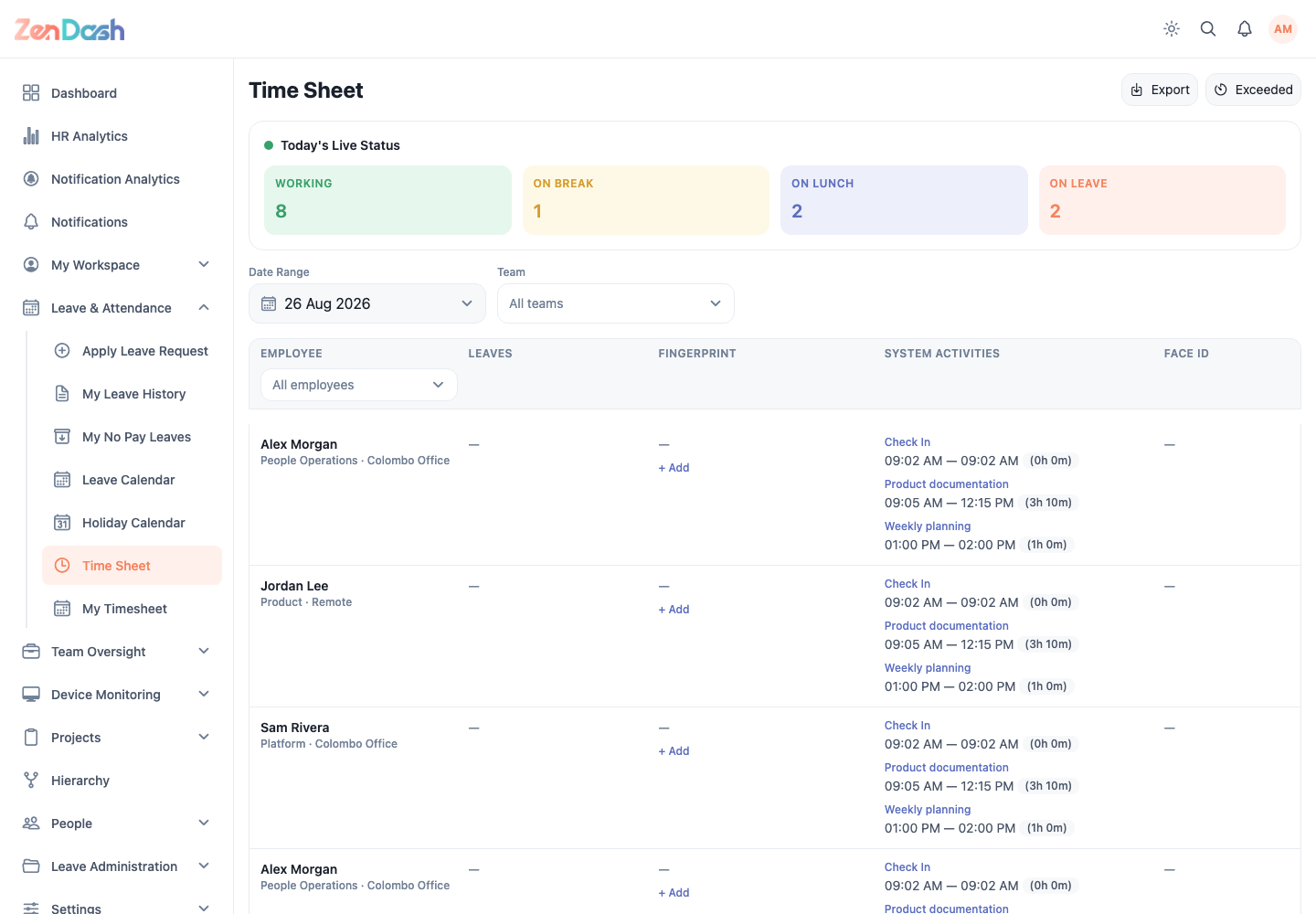
Time Sheet
Open Leave & Attendance > Time Sheet. Select a month to review attendance totals and recorded work time. Use Export when your permission allows it.
Select Exceeded to open Time Limits Exceeded, which lists records that passed configured attendance limits.
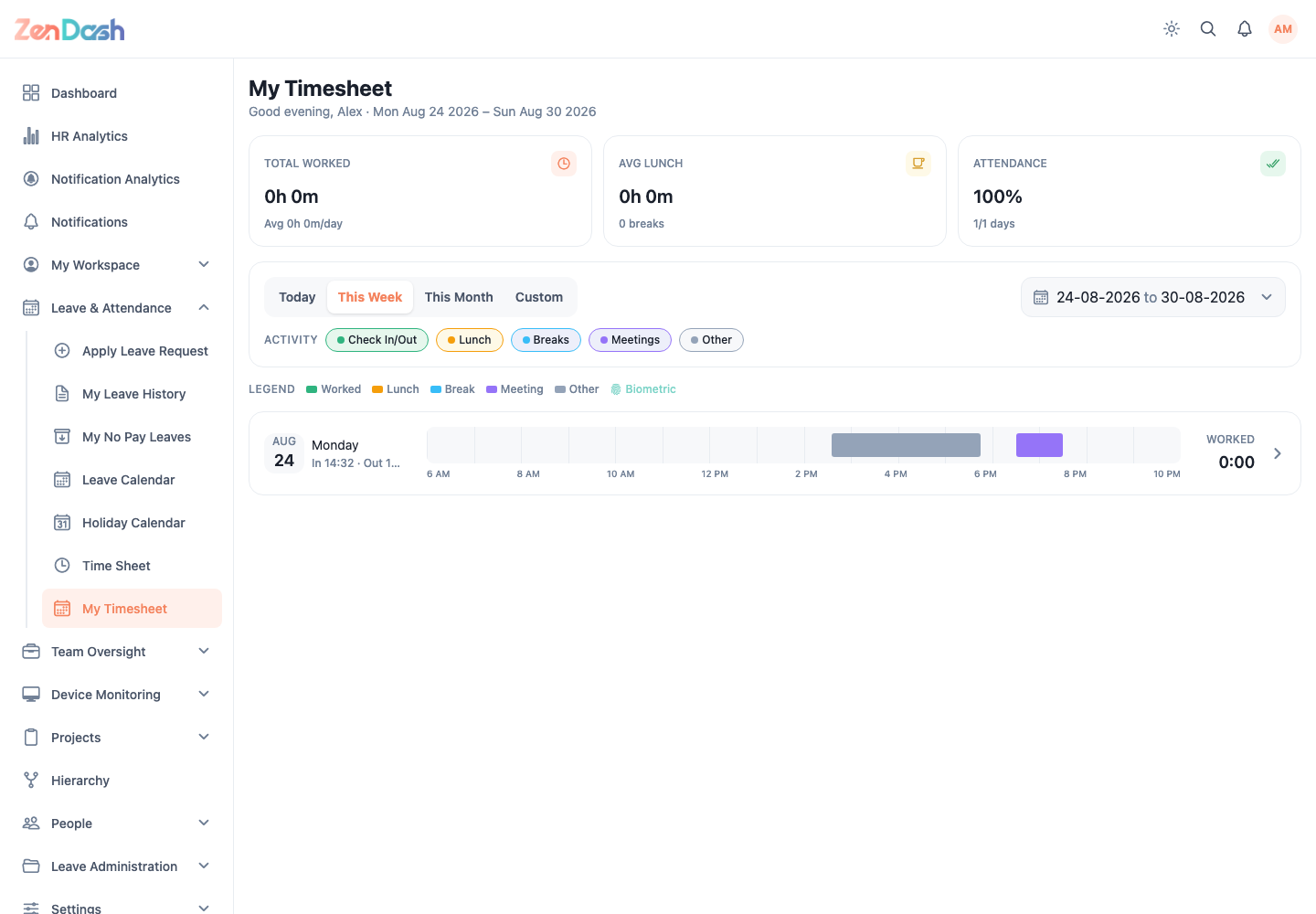
My Timesheet
Open Leave & Attendance > My Timesheet. Filter the timeline with Today, This Week, This Month, or Custom. A day can contain check-in, check-out, lunch, work, and other attendance events.
Select a day to inspect its timeline and calculated hours. If an attendance event is missing, use the correction prompt, such as Forgot to check in?, and submit the proposed value and reason.
Correction requests appear under My Workspace > My Timesheet Corrections. The original attendance data remains unchanged until approval.